
An AI-enabled company adds AI tools to its existing processes, and each person uses them in their own way. An AI-native company builds AI into the process itself: AI drafts and checks the routine work, and people review and approve it. Our request agent is an example: client intake now runs through AI, and a person confirms every work item.
Beyond the chat window: what AI-native software development looks like in practice
 9 minutes read
Content
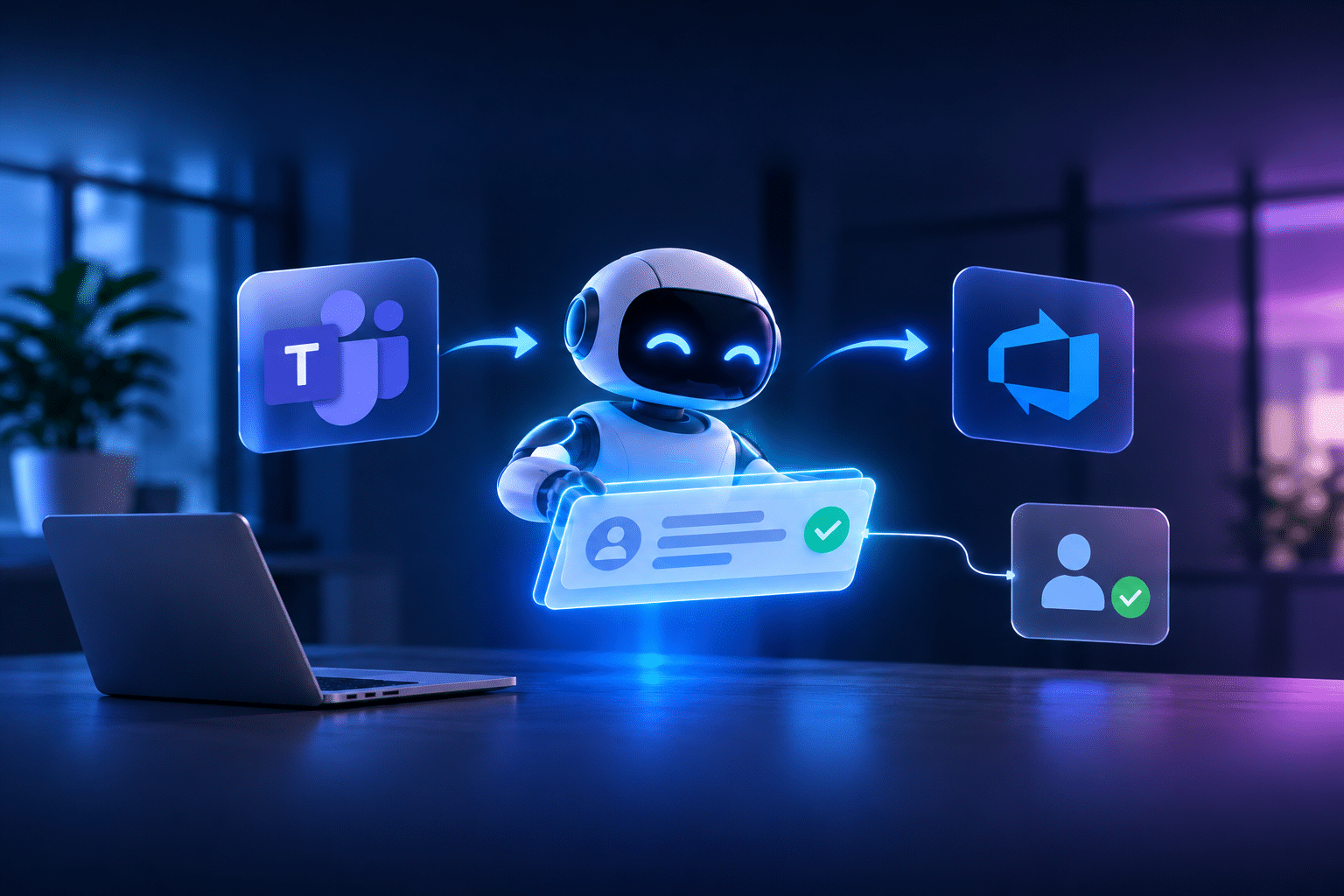
Most companies now use AI tools. Far fewer have put AI inside the way they deliver software, which is what AI-native software development is about. Here is how a small Blackthorn Vision team built an AI agent that turns client requests in Microsoft Teams into complete Azure DevOps work items, and why we built it with AI from the first line.
A client writes in Teams. The agent asks what is missing. A person presses Create.
The work item lands in Azure DevOps complete, in the right sprint, with the screenshots attached and a link back to the conversation.
Illustration · requests channel in Microsoft Teams
C
Client
The Save button in the session planner stays greyed out after I rename a drill.
screenshot.png
screenshot.png
AI
BV Assistant
Thanks. Your screenshot shows the Session Planner on macOS. Which app version are you on, and does closing and reopening the session help?
C
Client
1.0.12. Yes, reopening works.
Draft bug
[Desktop] Save stays disabled after renaming a drill
Priority 3 Product Desktop Sprint Current sprint
Create Change
AI
BV Assistant
Registered as #1234 [Desktop] Save stays disabled after renaming a drill (Bug, Priority 3).
1 week from the first idea call to a working agent in the client’s Teams
3 weeks to a version that follows the PM’s full intake playbook
0 work items created without a person pressing Create
8 work item types the agent can draft, in sprint and support modes
AI-enabled vs AI-native: what actually changes
Like most software companies, we started with AI as a tool on the side: assistants for writing code, answering questions and summarising documents. Useful, but every engineer used them differently, and none of it changed how a project actually runs. That is what being AI-enabled looks like.
AI-native means designing the work around AI instead of adding AI tools to the way you already work. An AI-enabled team uses assistants next to the process. An AI-native team builds AI into the process itself: AI drafts, checks and connects the routine steps, and people make the decisions. In AI-native software development, this covers the whole SDLC, from the first client request to the release.
| Aspect | AI-enabled | AI-native |
|---|---|---|
| Where AI sits | Next to the process, in separate tools | Inside the process, where the work happens |
| How it is used | Each person in their own way | By shared, written rules the whole team follows |
| What people do | Do the work and ask AI for help | Set the rules, review and approve |
| What the client notices | Little, if anything | Faster answers and more complete work |
This year I set a different goal for Blackthorn Vision: become AI-native. That means two things. First, we build with AI by default, not as an experiment. Second, we put AI inside the delivery process itself, where it takes real work off the team every day and our clients feel the difference.
The agent in this article is one of the first results of that shift, and a working example of AI-native software development. It came out of our company-wide AI initiative, and a small team built it in weeks, using the same AI-native approach we now bring to client projects.
The problem: turning client messages into tickets was slowing delivery down
One of our clients develops a tactics and training-planning app for football coaches. The product is live and growing, and our day-to-day collaboration happens in Microsoft Teams. That is where the client shares everything: bug reports, feature ideas, questions, release requests and feedback. Some arrive as detailed descriptions, others as a quick message with a screenshot or a short screen recording.
We value this way of working and did not want to change it. Instead, we wanted to streamline what happens behind the chat, so that every request becomes a well-structured work item without any extra effort from the client.
Teams is excellent for conversation, but it was never meant to track product work, and that created a few challenges on our side:
- Someone on the team copied each message into an AI assistant, typed the same instructions again, and filled in the gaps.
- Missing details meant follow-up questions in a busy chat, and the request could not move forward until everything was clarified.
- Each ticket then had to be checked against the project’s templates, prioritised and placed in a sprint by hand.
Microsoft Teams · requests thread
Azure DevOps
No work item yet
Illustration: one bug report in Teams.
As the project moved into support and maintenance, we wanted an intake process that would take this routine work off the team, keep the full context of every request and make sure nothing falls through the cracks, without depending on two or three people.
How the AI agent turns Teams requests into Azure DevOps work items
The client now writes in a dedicated requests channel, and the AI agent in Microsoft Teams handles the intake in that message’s thread:
1
Reads the request and the screenshots first Screen names, user names, error text and version numbers from the images are connected to what the client wrote.
2
Triages the request Bug, change, new feature, technical work, incident or service request, using the PM’s own classification rules.
3
Checks the project before writing anything It reads the live Azure DevOps template for that type, searches open work items for duplicates and looks for related test cases.
4
Asks for everything that is missing, at once One short reply in the thread, at most twice. If the client cannot provide something, the ticket says “Not provided” instead of guessing.
5
Shows a draft and waits for a person This is the human-in-the-loop step. The client sees the complete draft as a card in Teams. Nothing is created until someone presses Create.
6
Files the work item properly The right fields, the right sprint by date, the screenshots attached, a “Requested by” line with a link to the Teams message, and a reply in the thread with the ticket number.
Requests that are not tickets get a different answer. A release request is handed to the PM with a mention. A thank-you or a process question gets a short, polite reply and no ticket.
AI-native SDLC in practice: how we built the agent
We did not just build an AI feature. We built it with AI at every stage of the SDLC, from code to tests to releases, and that changed the economics of the project.
| Step | How it worked |
|---|---|
| Writing the code | One engineer directed an AI coding agent that wrote the code, the tests and the infrastructure. The engineer owned the design, the reviews and every decision about safety. |
| Encoding the process | The PM wrote the intake playbook as a plain document: how to classify requests, what to ask, how to title tickets, which sprint to use. That document became the agent’s instructions, so changing the process means editing text, not code. |
| Testing | Automated tests cover the guardrails and every rule. On top of that, the AI coding agent tested the real thing: it posted requests in a test channel in Teams, pasted screenshots, pressed the buttons and checked the created items in Azure DevOps. |
| Fixing | Problems found in live tests were fixed, re-tested and redeployed, often within the hour, and every release is versioned and tagged. |
The result of this agentic approach: a working agent in the client’s Teams one week after the first idea call, and a version that follows the PM’s complete playbook three weeks after that call. A traditional approach would have spent most of that time on the first prototype.
The stack: Claude in Microsoft Foundry, Teams and Azure DevOps
Claude by Anthropic Microsoft Foundry Microsoft Teams SDK Adaptive Cards Azure DevOps REST API Azure App Service Azure Key Vault Azure Storage TypeScript
Everything runs in our own Azure subscription, and we reach Claude through Microsoft Foundry (formerly Azure AI Foundry).
AI agent guardrails: enforced in code, not in prompts
An AI agent that writes into a client’s backlog has to be trustworthy before it is clever. These guardrails are enforced in code, not only in the instructions:
A person decides The AI has no tool to create work items. Only the Create button does, and only the person who made the request, or people the project names, can press it.
No updates, no deletes The Azure DevOps client refuses every change to existing items. The agent can only create new ones and comment on its own.
Client text is data Messages are passed to the model as data, never as instructions, so a message cannot talk the agent into breaking its rules.
Everything is audited Every tool call, draft, created item, skipped file and error goes to an audit log. Created items show who asked, who confirmed, and where.
No guessing Missing information is asked for or marked “Not provided”. The agent never invents details, causes or estimates.
Honest failures If something goes wrong, the client is told the PM will register the request. The agent never claims a ticket exists without its number.
“AI tools make each person a bit faster. Putting AI into the delivery process makes the whole team faster, and the client feels it the same day. That is the shift to AI-native delivery we are making across Blackthorn Vision.”
Mykhaylo Terentyak, Founder, Owner and CEO
What comes next
The agent was built so that everything project-specific lives in configuration: the Azure DevOps project, work item types, products, sprint rules and the PM’s playbook. The next step is to offer the same agent to other Blackthorn Vision projects, each with its own rules. If you are planning something similar, learn more about our AI agent development services.
For our clients, this is what being AI-native means in practice: requests get answered in minutes instead of hours, tickets arrive complete, and the team spends its time on the product instead of on paperwork.
FAQ
What is the difference between AI-native and AI-enabled?
Which AI model and platform does the agent use?
The agent runs on Claude by Anthropic, reached through Microsoft Foundry (formerly Azure AI Foundry). Everything else runs in our own Azure subscription: Azure App Service, Key Vault and Storage, with the Microsoft Teams SDK and Adaptive Cards for the chat interface.
What guardrails does an AI agent need?
The critical rules should be enforced in code, not only in the prompt. For our agent, that means a human in the loop for every work item, no updates or deletes, client messages treated as data rather than instructions, a full audit log, and “Not provided” instead of guessed details.
Can an AI agent create work items in Azure DevOps?
Yes. Our agent drafts bugs, features and other work items from Microsoft Teams messages, using the project’s live Azure DevOps templates, and files them in the right sprint through the Azure DevOps REST API. By design, it never creates anything on its own: a person presses Create, and the agent cannot update or delete existing items.
What does AI-native software development look like in practice?
Engineers direct AI coding agents that write the code, the tests and the infrastructure, while the engineers own the design, the reviews and every safety decision. Processes are written as plain documents that AI agents follow. At Blackthorn Vision, this approach took our request agent from the first idea call to a working version in the client’s Teams in one week.
You may also like
-
 October 27, 2026Read in 20 min.
The best telecom software development companies
12 telecom software development companies checked against filings and named customers, grouped by whether you need a platform or a build partner. -
 September 8, 2026Read in 16 min.
The AI-Native SDLC: From Writing Software to Orchestrating It
An AI-native SDLC cuts delivery time by about half without loosening a single quality gate. See the three eras, the toolchain and the guardrails. -
 September 4, 2026Read in 36 min.
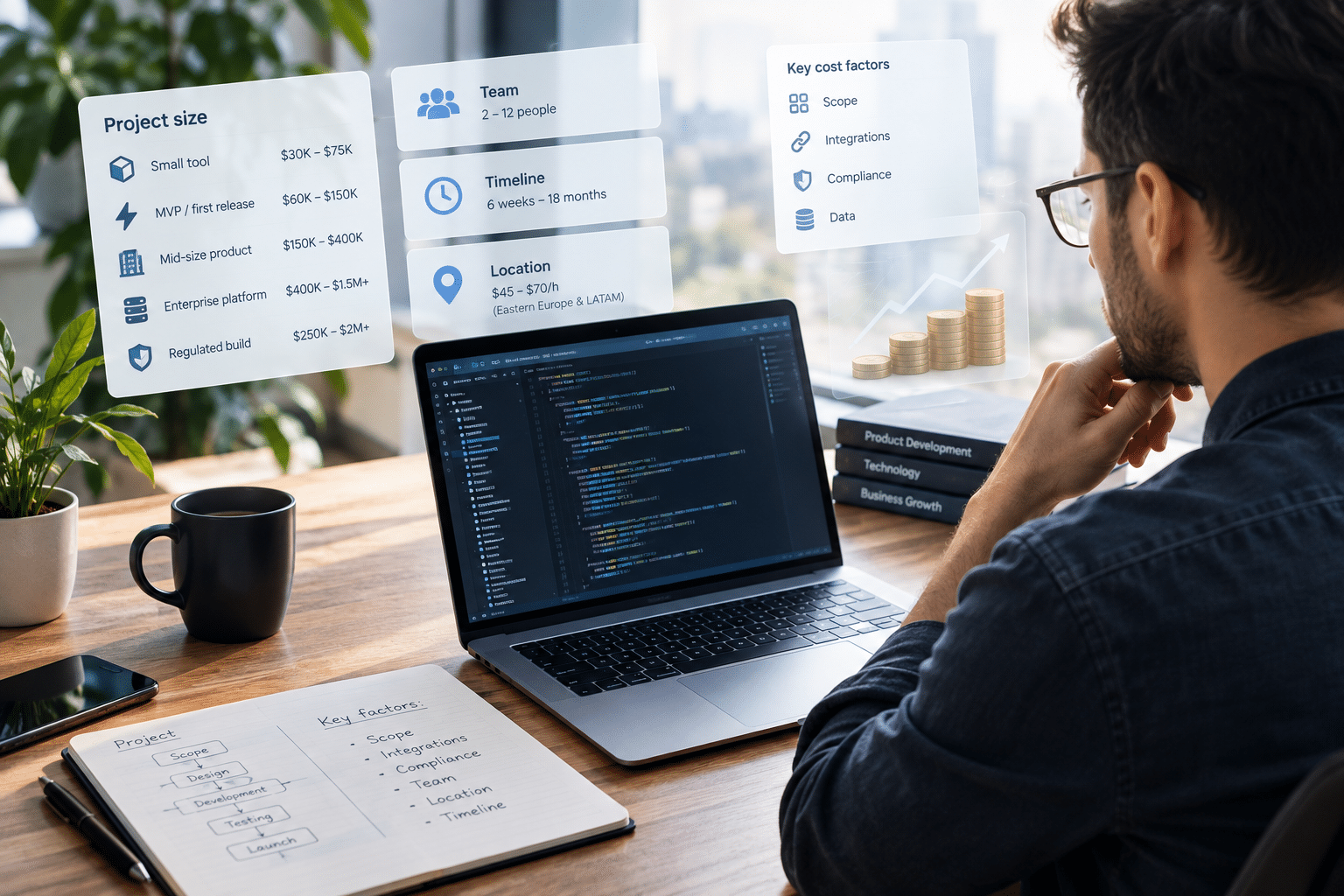
Custom software development cost: Real ranges, rate cards, and how to budget
How much custom software development costs. Explore real pricing ranges, hourly rates, key cost factors, hidden expenses, and budgeting tips. -
 September 2, 2026Read in 36 min.
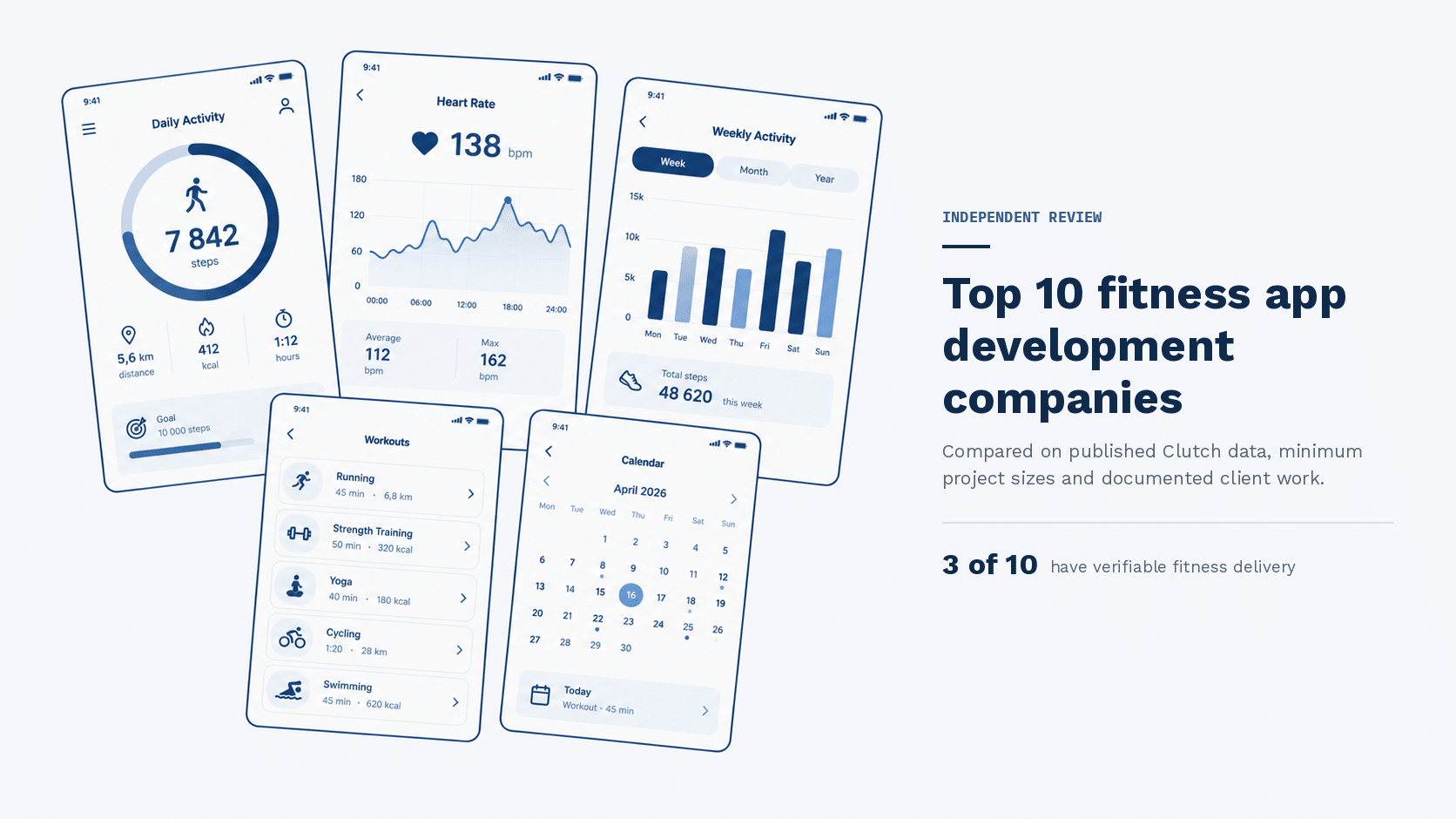
Fitness app development companies: An independent shortlist
10 fitness app development companies compared on verified data, published pricing, and real client work. Only three have documented fitness delivery. -
 August 27, 2026Read in 36 min.
Top software development companies in the USA
Find the best US-based software developers. From AI to enterprise web apps, here are the top 30 software development companies in the USA you should hire in 2026. -
 August 19, 2026Read in 22 min.
Robotic Process Automation in healthcare: Definition, benefits, and real cases
From patient scheduling to claims processing: explore proven RPA use cases in healthcare, backed by real data, ROI benchmarks, and compliance guidance. -
July 16, 2026Read in 18 min.
Top 10 Banking Software Development Companies in the US
An independent, verified list of the top banking software development companies in the US, plus a practical guide to choosing the right partner -
 July 16, 2026Read in 17 min.
Custom ERP software for manufacturing – Built on Azure and .NET
Off-the-shelf ERP forcing workarounds? Blackthorn Vision, a manufacturing software company, builds ERP software for manufacturing on Azure and .NET. -
 June 30, 2026Read in 10 min.
Software development company in Boston: Custom solutions for a research-driven city
Boston software development company building HIPAA-aware healthcare, biotech, and enterprise software on .NET and Azure. Microsoft Solutions Partner, 4.8/5 on Clutch -
 June 18, 2026Read in 10 min.
Software Development Company in Washington State: Custom Solutions Across the Region
Software development company serving all of Washington State. Cloud-first custom software on .NET and Azure. Microsoft Solutions Partner since 2009.