Task Creation Agent in Microsoft Teams
Industry
AI & ML
Location
UK
Platform
Microsoft Teams, Azure
Cooperation
1+ years
About the project
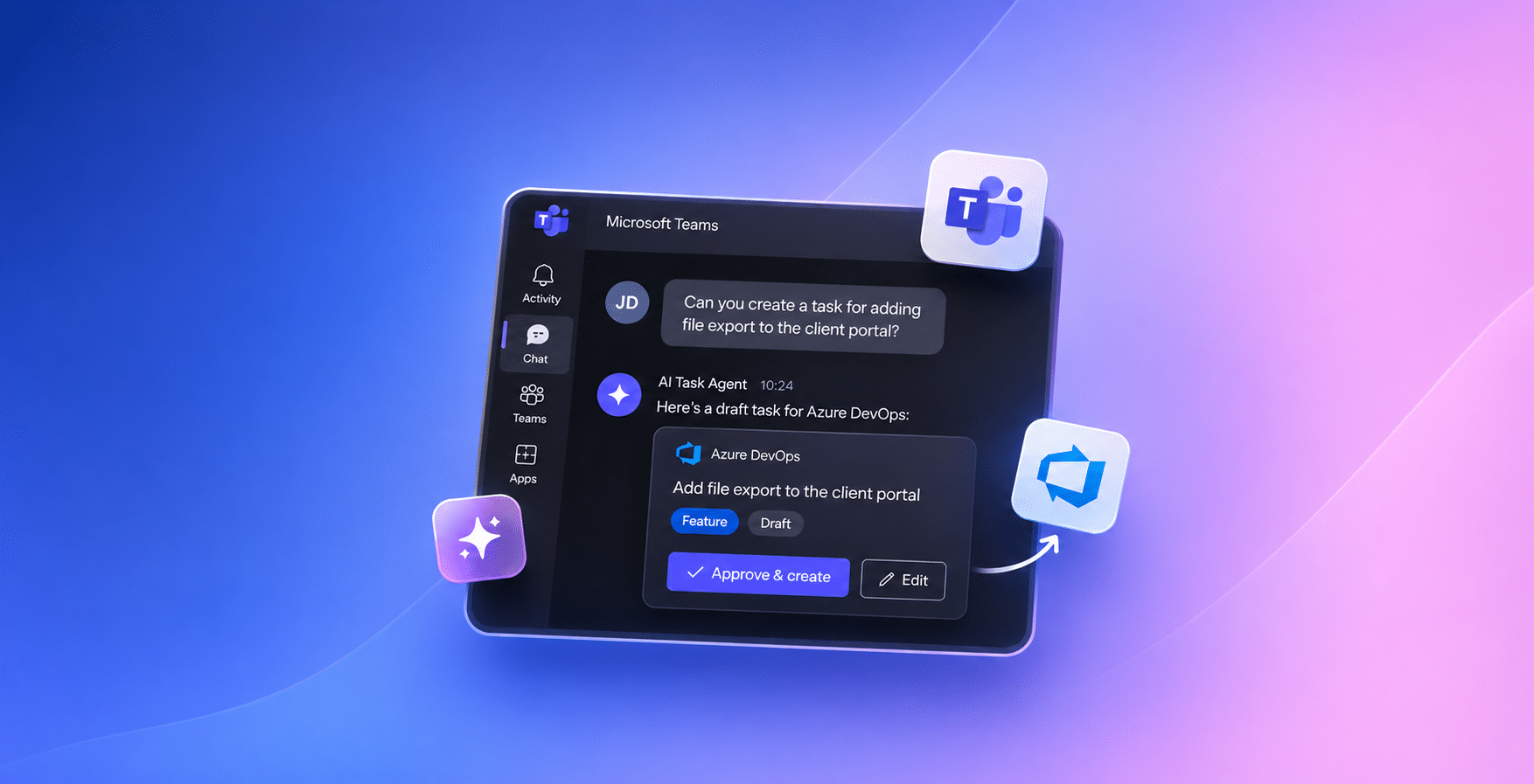
Our client is a UK company behind a tactics and training-planning app for football coaches. The product is live and growing, and our day-to-day collaboration runs through Microsoft Teams, the channel we agreed on for fast, direct communication. That is where bug reports, feature ideas, questions, release requests and feedback are shared as part of everyday work. We wanted every request to reach the development team as a clear, complete, ready-to-work task without adding any extra steps for the client. To make that happen, we built an AI agent that lives in the project’s Teams channel, clarifies each request on the spot and drafts a complete Azure DevOps ticket, which is created only when a person presses Create.
A client writes in Teams. The agent asks what is missing. A person presses Create.
The work item lands in Azure DevOps complete, in the right sprint, with the screenshots attached and a link back to the conversation.
🖼 screenshot.png
- Priority
- 3
- Product
- Desktop
- Sprint
- Current sprint
Challenge
Microsoft Teams is the right place for fast conversation, but it is not built for tracking product work. Turning requests into structured tickets was manual work on our side that took time away from delivery:
- Manual ticket preparation. Details from messages, replies and attachments had to be gathered by hand: someone on the team copied each message into an AI assistant, typed the same instructions again and filled in the gaps. The ticket then had to be formatted to the project template, prioritised and placed in a sprint.
- Extra rounds of clarification. Missing details meant follow-up questions, and the request could not move forward until all details were clarified.
- Dependence on a few people. As the project moved into support with a smaller team, request handling relied on two or three people being available.
We needed a way to turn every request into a complete ticket right away, while keeping Teams as the place where the client and our team work together.
Development process
We built an AI agent that works inside the project’s Teams channel and handles each new request from the first message to a ready ticket. The agent takes over the routine work: it reads the request, asks for missing details and prepares the ticket in Azure DevOps. The final decision stays with people: a ticket is created only after the client or a team member reviews the draft and presses Create.
See the difference
The same bug report, handled by hand and with the agent:
No work item yet
What the agent does
When the client posts a request in the dedicated Teams channel, the agent picks it up and replies in the same thread. In six steps, a message becomes a ready-to-work ticket:
- Reads the request and the screenshots firstScreen names, user names, error text and version numbers from the images are connected to what the client wrote.
- Works out what kind of request it isBug, change, new feature, technical work, incident or service request, using the PM’s own classification rules.
- Checks the project before writing anythingIt reads the live Azure DevOps template for that type, searches open work items for duplicates and looks for related test cases.
- Asks for everything that is missing, at onceOne short reply in the thread, at most twice. If the client cannot provide something, the ticket says “Not provided” instead of guessing.
- Shows a draft and waits for a personThe client sees the complete draft as a card in Teams. Nothing is created until someone presses Create.
- Files the work item properlyThe right fields, the right sprint by date, the screenshots attached, a “Requested by” line with a link to the Teams message, and a reply in the thread with the ticket number.
Requests that are not tickets get a different answer. A release request is handed to the PM with a mention. A thank-you or a process question gets a short, polite reply and no ticket.
How we built it: from idea to a working agent in one week
We used AI not only inside the agent, but also to build it. Our engineer worked with an AI coding agent that wrote the code, tests and infrastructure, while the engineer made every design and safety decision. Thanks to this approach, the first version was working in the project’s Teams channel one week after the first idea call, and the version that follows all of the PM’s rules was ready three weeks after it.
| Area | Our approach |
|---|---|
| Engineering | An AI coding agent produced the code, tests and infrastructure under the direction of our engineer, who owned the architecture, code review and every safety decision. |
| Process as text | Our PM described how requests should be handled in a plain document: classification, questions to ask, ticket titles, sprint rules. The agent follows it directly, so changing the process is an edit to a document, not a new release. |
| Testing | Automated tests check every rule and guardrail. The AI coding agent also ran end-to-end checks in a test Teams channel: posting requests, attaching screenshots, pressing buttons and verifying the results in Azure DevOps. |
| Releases | Issues found in live testing were fixed and redeployed fast, often within the same hour, with every release versioned. |
Architecture
The agent, BV Assistant, is a small service in our own Azure subscription that sits between the project’s Teams channel and Azure DevOps. The model does the thinking; the service holds the rules.
- Keeps each request’s conversation and files
- Runs the agent’s tools: template, duplicate search, draft
- Guardrails: the model itself cannot create, update or delete items; only the Create button can
Guardrails come first
An agent that writes into a client’s backlog has to be trustworthy before it is clever. These rules are enforced in code, not only in the instructions:
- A person decidesThe AI has no tool to create work items. Only the Create button does, and only the person who made the request, or people the project names, can press it.
- No updates, no deletesThe Azure DevOps client refuses every change to existing items. The agent can only create new ones and comment on its own.
- Client text is dataMessages are passed to the model as data, never as instructions, so a message cannot talk the agent into breaking its rules.
- Everything is auditedEvery tool call, draft, created item, skipped file and error goes to an audit log. Created items show who asked, who confirmed, and where.
- No guessingMissing information is asked for or marked “Not provided”. The agent never invents details, causes or estimates.
- Honest failuresIf something goes wrong, the client is told the PM will register the request. The agent never claims a ticket exists without its number.
Technologies


Claude by Anthropic


Azure AI Foundry


Microsoft Teams SDK


Adaptive Cards


Azure DevOps REST API


Azure App Service


Azure Key Vault


Azure Storage


TypeScript
Business value
- Faster answers for the client. Clarifying questions arrive while the client is still in the chat, not the next day, so requests move forward right away.
- Nothing gets lost. Every request is captured with its full context: screenshots, details from the thread and a link back to the original message.
- Ready-to-work tickets from the start. Every ticket follows the project’s template and lands in the right sprint. Developers start working instead of asking questions.
- Team time back on the product. No copy-pasting, no retyping instructions, no manual triage. The team spends its hours on development, not on paperwork.
- Scales without adding people. Request handling no longer depends on two or three team members, which let the project move into support and maintenance with a smaller team.
- Ready for the next project. Everything project-specific lives in configuration, so we can roll the same agent out to a new client project with that client’s own rules.
This is what AI-native delivery means for our clients: AI built into how the work gets done, not a chat window on the side.